

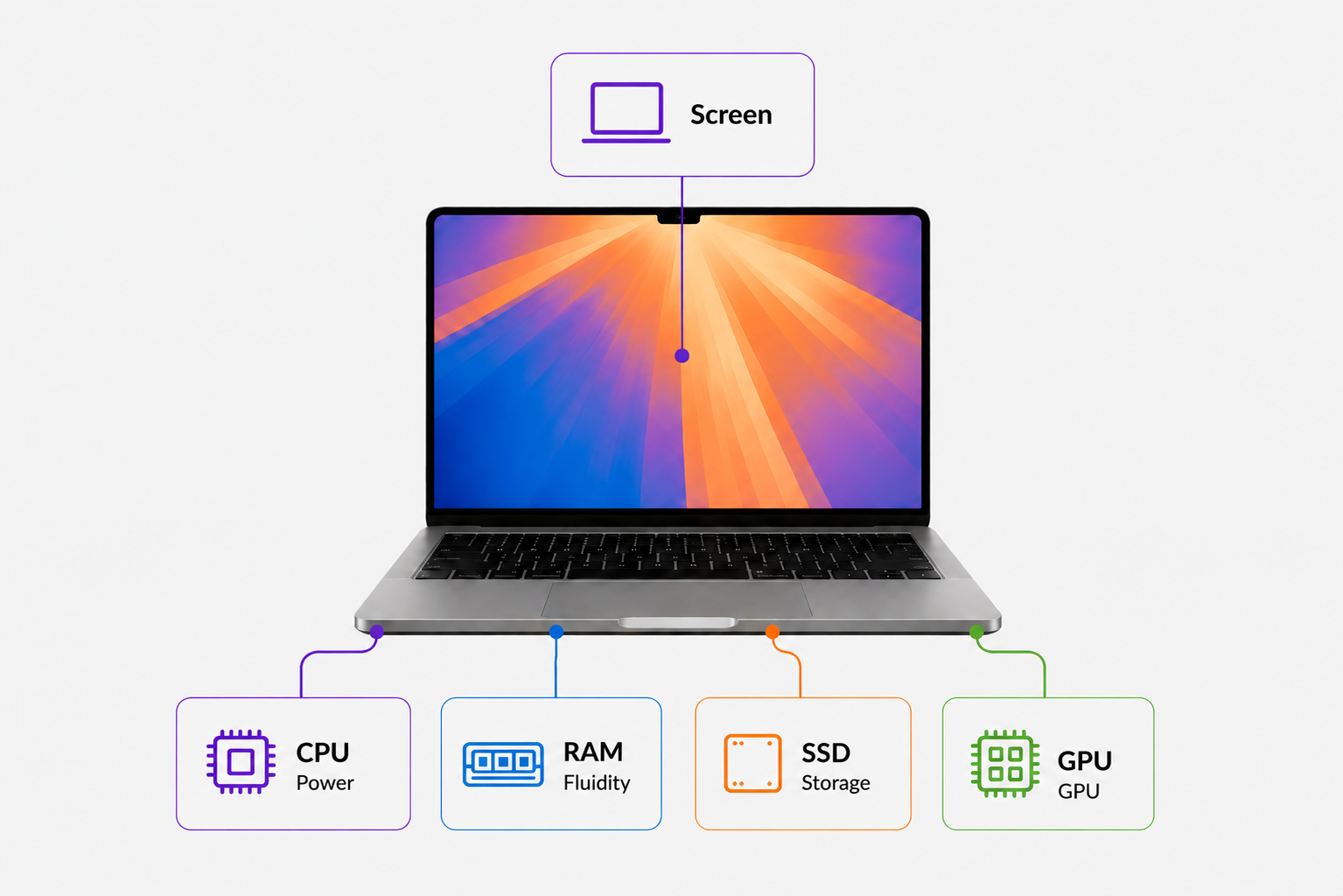
What is the role of each component in your Mac?
Processor, memory, storage… these terms can quickly seem technical. Yet they have a direct impact on your day-to-day use. In this guide, we explain in simple terms what each component does to help you choose the refurbished Mac that’s right for you.
The processor
The processor (or CPU) is the brain of your Mac. Processors always perform tasks sequentially, one after the other. It is their number and processing speed, supported by sufficient RAM, that give the impression that everything is happening at the same time.
It is the processor that carries out all tasks and determines the overall speed of your computer. The processor consists of several key components: the cores and the clock speed
Hearts
Cores enable the processor to perform multiple tasks at the same time. The more cores there are, the more efficiently the processor will be able to handle multitasking.
For example:
- 8 cores: smooth everyday use
- 10 or 12 cores: better suited to demanding tasks
The Frequency
This corresponds to the processor’s performance and is measured in gigahertz (GHz). The frequency indicates the speed at which the processor can complete its cycles.
M Max or M Pro chips?
The M Pro and M Max chips are based on the same architecture, but are designed for different needs.
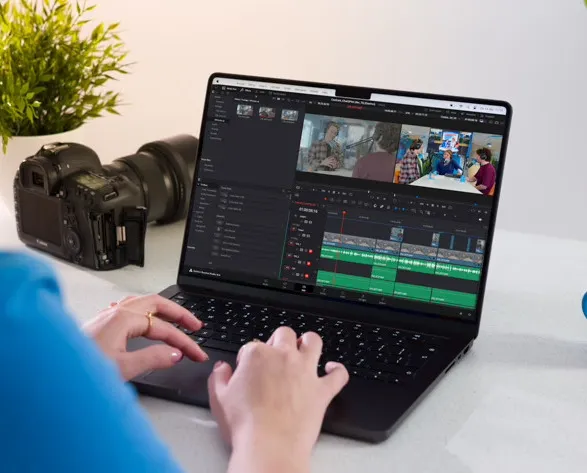
The M Pro chip is designed for demanding professional use, offering an excellent balance between power and efficiency (software development, photo editing, video editing).
The M Max chip goes a step further by incorporating more GPU cores and higher memory bandwidth. It is particularly suited to very demanding tasks, such as 4K/8K video editing, visual effects or complex graphics projects.
Random access memory
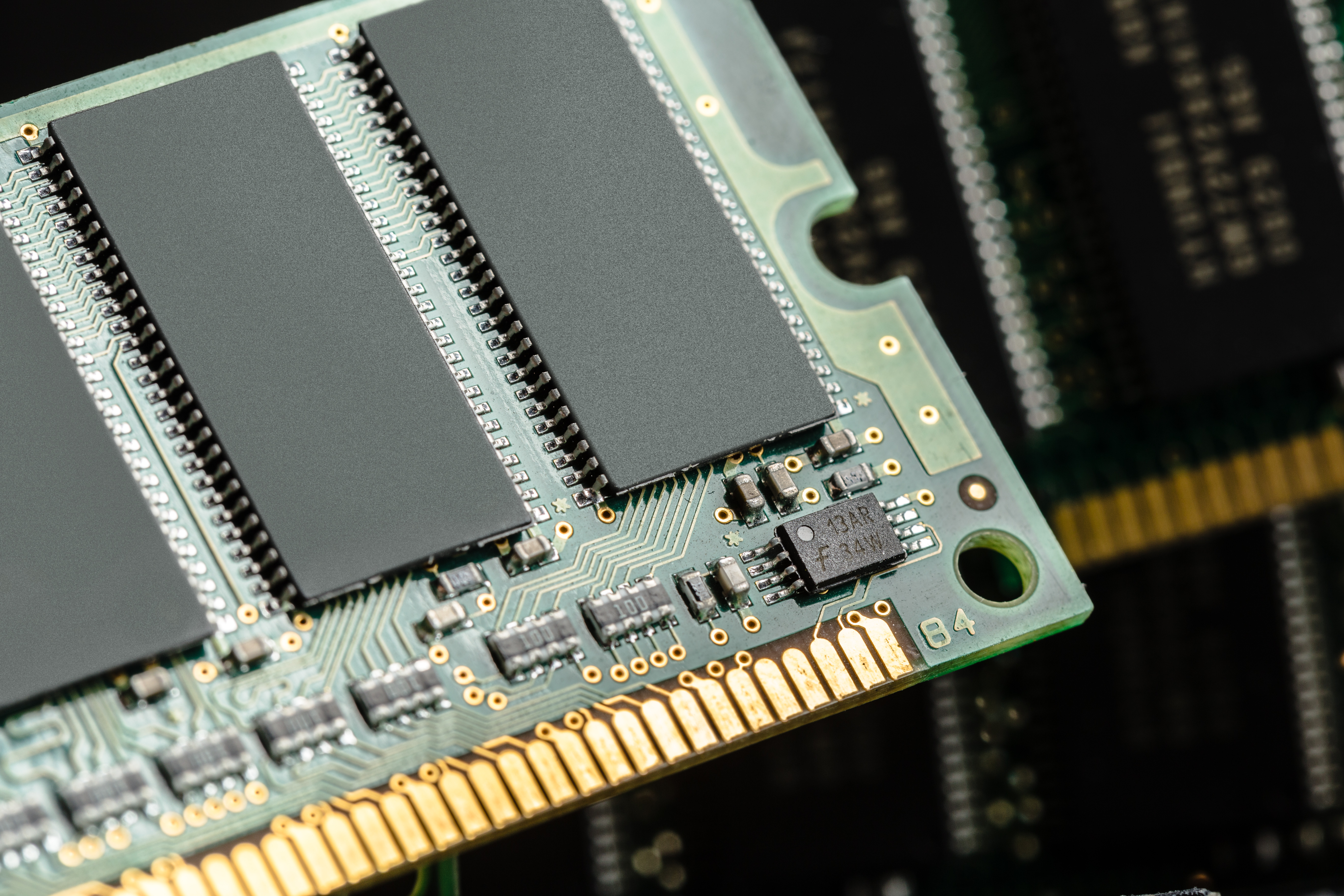
Random Access Memory (RAM) enables your Mac to handle multiple tasks at the same time. It temporarily stores recently used information, allowing the processor to access it quickly and keep everything running smoothly.
Which RAM should I choose?
8 GB of RAM
Browsing, office tasks, streaming, everyday use. Sufficient for most users
16 GB of RAM
Advanced multitasking, creative software, intensive work. Greater comfort and smoother performance
24 GB and above
Video editing, development, demanding professional use.
Unlike storage, RAM cannot be upgraded on recent Macs once purchased.
Storage
Storage (SSD) allows you to keep your documents, photos, videos and apps even when you’re not connected to the internet. It determines the amount of space available for your files, apps and documents.
Please note that a nearly full drive may slightly slow down certain operations on your computer.
External hard drive and cloud storage
Nowadays, you no longer have to store everything directly on your Mac.
The cloud (iCloud, Google Drive, etc.) It allows you to access your files from any device, whilst freeing up space on your Mac.
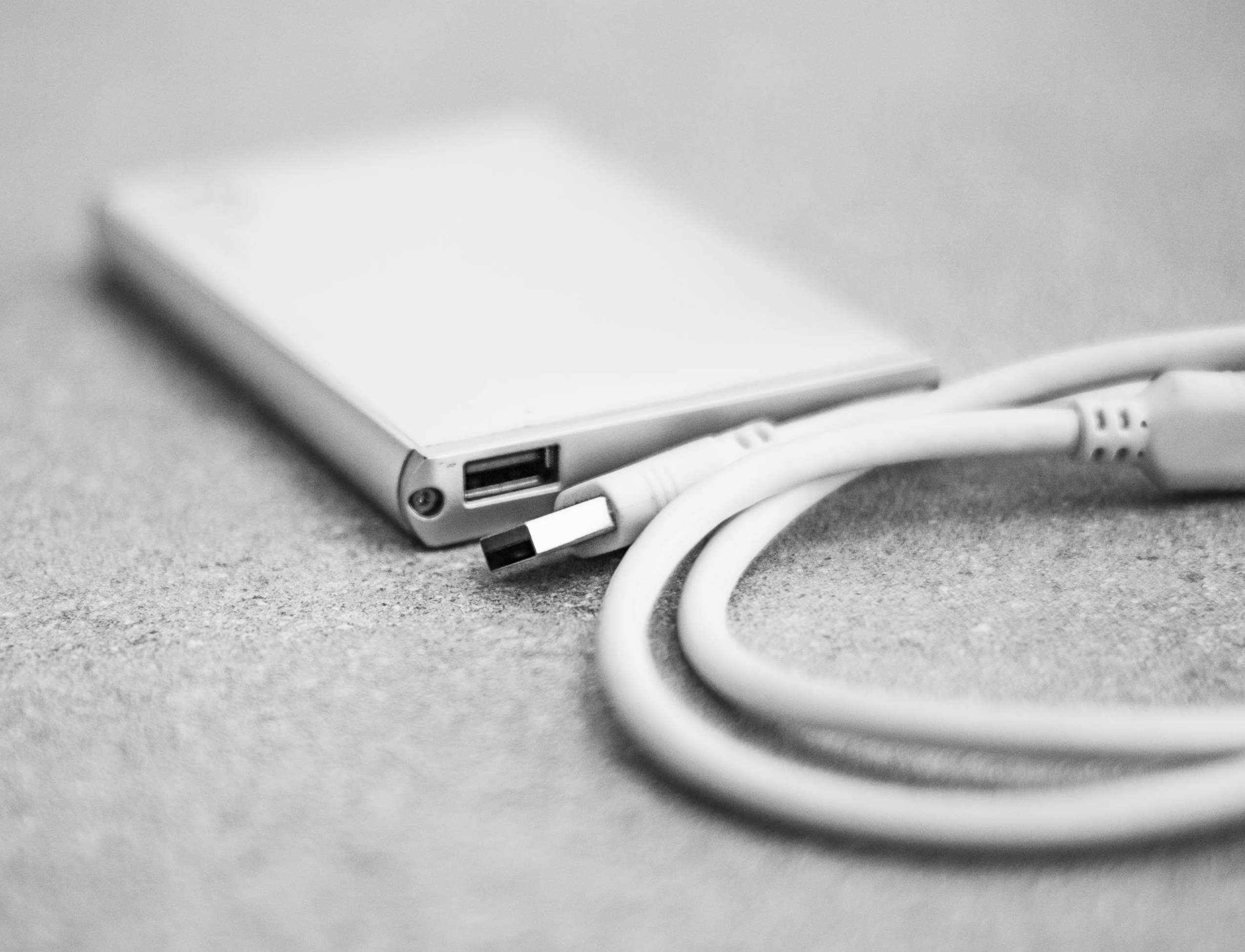
An external hard drive. This is a cost-effective option for storing large volumes of files, particularly photos or videos.
The most effective approach is often to combine these three solutions: internal storage for speed, the cloud for flexibility, and an external hard drive for long-term storage.
Which capacity should I choose?
256 GB
Browsing, office tasks, streaming. Sufficient if you use cloud storage (iCloud, Google Drive, etc.) or an external hard drive
512 GB
Versatile use. Ideal for storing photos, files and apps without a second thought
1 TB and above
Advanced use. Perfect for video, photos, large files, heavy software/apps or significant local storage
The graphics card
The graphics card, or GPU, handles everything related to display: images, videos and animations. It improves display quality and performance for visual tasks such as video editing, photo editing and certain professional software.
Which capacity should I choose?
For everyday use, the GPU built into Apple chips is more than adequate.
For creative or professional use, a more powerful GPU will make a real difference to your experience.
Example:
8 or 10 GPU cores → everyday use
16, 20 GPU cores or more → creative or professional use
On recent Macs, the GPU is integrated into the chip and cannot be upgraded. As with RAM or storage, this is a decision you need to make at the time of purchase.
The screen
The screen is a key component of your Mac, especially if you use it for several hours a day. It has a direct impact on your comfort, whether you’re working, watching videos or browsing the web.
Size and use
Macs come in several sizes:
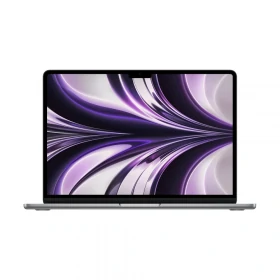
13-inch: lightweight and compact, ideal for on-the-go use
14-inch: a good balance between comfort and portability
15-inch: more comfortable for multitasking and extended use
16-inch: for intensive use
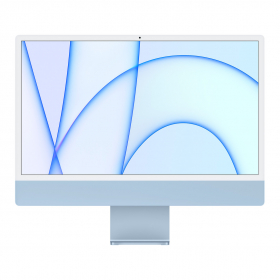
Desktop models (iMac) feature larger screens, typically 24 inches (with older models available in 21 and 27 inches).
Standard screen vs nano-textured screen
Most Macs are equipped with a standard glossy display, which offers vibrant colours and excellent contrast. This is the best choice in most situations, particularly for indoor use.
Some models feature a nano-textured display, designed to significantly reduce glare. This treatment improves viewing comfort in very bright environments, such as near a window or outdoors.
Mistakes to avoid
Choosing too little RAM
Insufficient memory can quickly lead to slowdowns, especially if you’re using several apps at the same time.
For example, having lots of tabs open, running multiple programmes or working on several files can quickly use up 8 GB of RAM.
Our advice: if you’re unsure or want to keep your Mac for several years, opt for 16 GB of RAM.
Buying too much storage ‘just in case’
Many users overestimate their storage needs.
The result is that you end up paying more for capacity you don’t actually use. These days, with the cloud and external hard drives, it’s easy to make the most of your storage space.
Oversizing the processor
Choosing a very powerful processor may seem reassuring, but it isn’t always necessary. For everyday use (browsing, office tasks, videos), the Apple M1 and M2 chips are more than adequate.
Match the processing power to your actual needs; there’s no point paying for performance you won’t use.
To judge by appearances alone
A Mac with a few signs of wear can perform just as well as a “like-new” model.
At Okamac, aesthetic appeal never impacts performance.
Our advice: focus on the specifications rather than the appearance to make the best choice.
Ready to find your Mac?
You now have all the information you need to make the right choice.
All that's left is to find the model that's right for you.
No, storage capacity does not directly affect your Mac’s performance. However, a drive that is almost full may cause a slight drop in performance.
A refurbished Mac can last for several years, provided you choose a configuration that suits your needs from the outset. In reality, the lifespan depends less on the age of the Mac than on its components (RAM, processor, storage). A model that is well-configured and suited to your needs will remain smooth and perform well for longer.
No. At Okamac, all Macs are 100% functional, regardless of their aesthetic condition. The grade only refers to appearance (scratches, marks, etc.), not performance.