Mac Buying Guide for Students
Discover the guide tailored to your studies
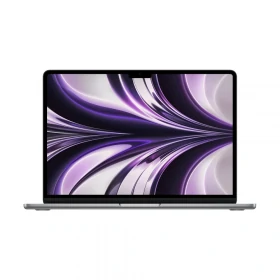
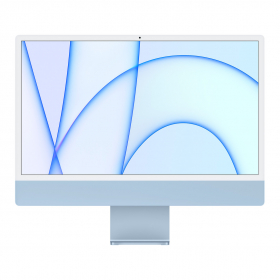
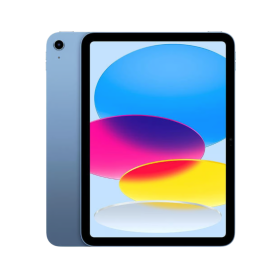
We've created four buying guides for four different fields of study and academic paths. Select your field of study or the one that best matches your needs and find out which Mac is right for you and which configuration we recommend.
Programming/Development Course
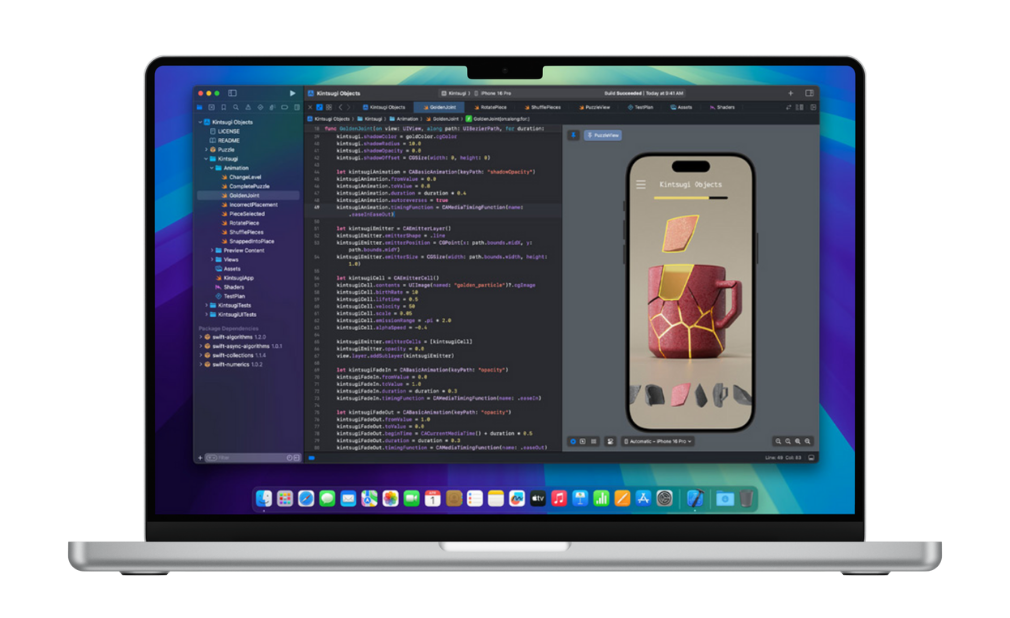
When studying programming or development, you need a computer that’s reliable, fast and capable of keeping up. Between lines of code, virtual machines, compilations and resource-hungry IDEs like Xcode, every component counts.
A good MacBook for developers needs to offer a powerful processor, enough memory for multitasking, and fast storage to avoid slowing down productivity. Battery life and portability are also important factors, especially at university.mie et la portabilité sont aussi des critères importants, surtout à l'école.
We’ll help you choose the right model based on your course, your technical needs and your budget.
Processor
Choose an Intel i5, i7 or i9 processor, or, if possible, an Apple M1 or M2. Apple processors deliver excellent performance for coding, compiling and testing your projects without any lag.
RAM
Go for at least 16 GB of RAM/span>. You’ll be able to run Xcode, Visual Studio Code and your web browsers side by side without any slowdowns.
Storage
256 GB may be sufficient if you use external storage or the cloud, , mais but 512 GB is preferable if you store a lot of projects, code files or virtual machines on your computer.
👉 Which Mac should I buy for programming/development?
Studying computer science requires a Mac capable of running development environments, emulators, virtual machines and, at times, resource-intensive software such as Android Studio, Docker or Xcode. A good balance between processing power, memory and responsiveness is therefore essential.
We have selected three products to suit your budget. These three MacBooks will enable you to carry out all the tasks you are likely to encounter during your programming or development studies.
Business/Law/Medicine
Whether you’re studying medicine, business or law, you don’t need the most powerful machine on the market, but you do need reliability.
Your MacBook needs to last all day, launch your apps without lag and remain smooth when you’re juggling PDFs, video calls, note-taking and online research. Battery life, lightness and responsiveness are your best allies. There’s no need to go for an overly high-spec model: a well-balanced one is more than enough.
We’ll help you choose a MacBook suited to your studies, your daily needs and your student budget.
Processor
If possible, choose a Mac with an Apple Silicon chip. These processors are fast, quiet and more than adequate for office work, video calls and web browsing. Otherwise, an Intel i5 or i7 chip will be more than enough.
RAM
8 GB of RAM is more than enough for office work, video calls and web browsing. You can keep several apps open without any loss of performance. 16 GB is a bonus.
Storage
A 256 GB SSD is ideal for storing your coursework, documents and applications. If you manage everything in the cloud, you won’t need any more. If you have a lot of coursework on your computer, opt for additional storage.
👉 Which Mac should I buy for business, law or medicine?
Studying law, medicine or business requires a reliable, lightweight and durable Mac. You use office software, attend video lectures, consult online resources and take notes on a daily basis. You therefore need a Mac that runs smoothly, with good battery life and enough storage to keep your course documents, presentations and PDF files.
Here are three models suited to your course and your budget. Each one will allow you to study in the best possible conditions, without compromising on performance or user comfort.
Creative/Engineering/Architecture/3D Modeling
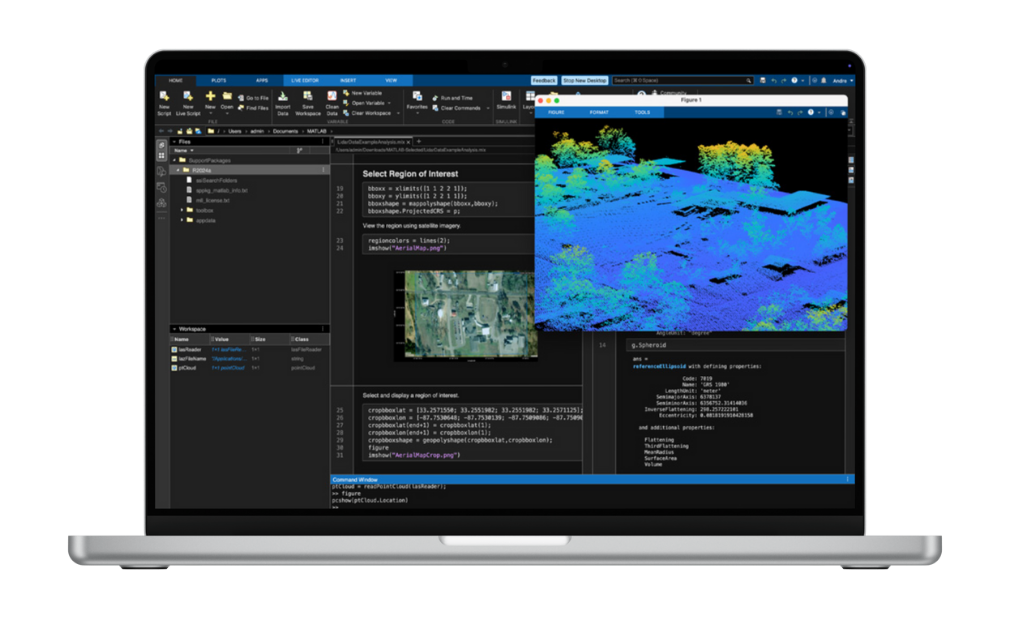
Whether you're studying design, graphic arts, photography, video editing, architecture, engineering or 3D modeling, you'll need a MacBook that can keep up with demanding workloads. Software such as Photoshop, Premiere Pro, Lightroom, Figma, AutoCAD, MATLAB, Rhino and SolidWorks requires a powerful, responsive and reliable computer.
To work efficiently on complex projects, it's essential to choose a Mac with a powerful processor, enough memory and sufficient storage. These components allow you to multitask smoothly, speed up rendering times and work without slowdowns.
We'll help you choose the right Mac based on your budget and your academic needs.
Processor
Apple chips are highly recommended for this type of course. An M1/M1 Pro, M2/M2 Pro or M3/M3 Pro chip is an excellent choice to see you through your studies without any slowdowns.
RAM
16 GB of RAM is strongly recommended for smooth performance when working with AutoCAD, MATLAB or 3D rendering. You’ll be able to multitask seamlessly. For the most demanding projects, 24 GB or more will offer a more comfortable experience.
Storage
A minimum 512 GB SSD is recommended for storing your projects, libraries, assets, and media files. If you regularly work with video, 3D renders, or large files, higher-capacity storage would be even more suitable.
👉 Which Mac should you choose for creative, engineering, architecture or 3D modeling studies?
Creative and technical degrees rely on some of the most demanding software available. Whether you're editing videos, creating graphics, producing 3D models, running simulations or designing technical projects, your Mac needs enough power to handle every task smoothly.
Processor performance, RAM and storage capacity all play a key role in your daily workflow. Choosing the right configuration will help you multitask efficiently, reduce rendering times and stay productive throughout your studies.
Discover our recommended Mac models below, selected to match different budgets and requirements.